
Prayer Reminder Wallpapers
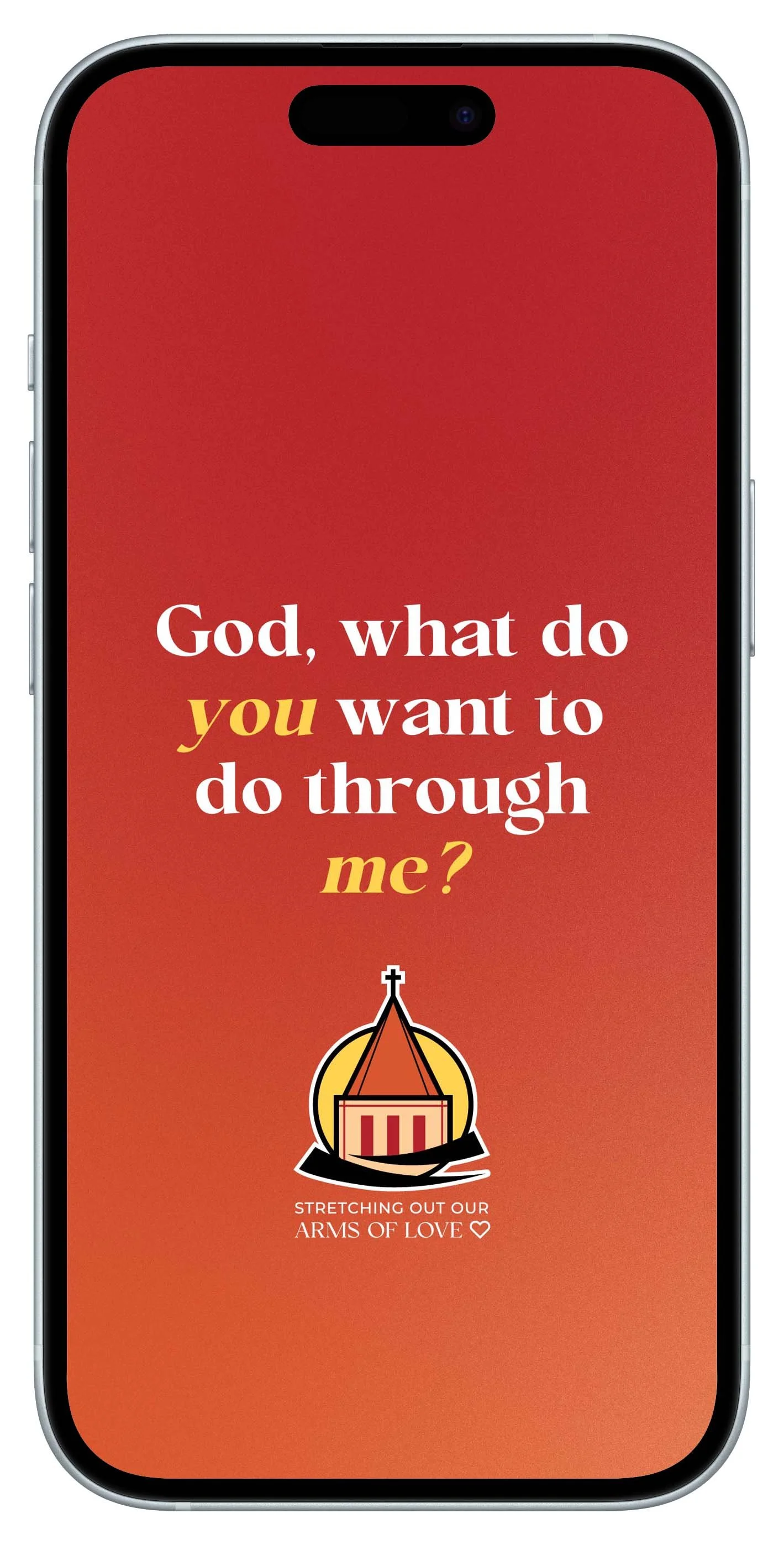
These wallpapers feature the prayer we’re praying as a church during the Stretching Out Our Arms of Love campaign: “God, what do you want to do through me?” 
Set it as your phone or tablet background – and let it encourage you to pray throughout the day: before your morning jog, between meetings, in the carpool line, or unwinding after dinner.
📲 How to set the image as your wallpaper.
If you’d like help setting it up, stop by the church office, and we’ll be happy to assist you.
-
Tap the Download button.
When the image opens, press and hold it.
Tap Save to Photos.
Open the Photos app and confirm the image is there.
Go to Settings → Wallpaper → Add New Wallpaper.
Choose the image from your Photos.
Tap Set as Wallpaper Pair (or choose Lock Screen / Home Screen).
If something looks different on your phone, that’s okay — the wording may vary slightly depending on your version of iOS.
-
Tap the Download button.
When the image opens, press and hold it.
Tap Download image or Save.
Open your Photos or Gallery app to make sure the image saved.
Go to Settings → Wallpaper & style (or just search “Wallpaper” in Settings).
Choose the image from your Photos or Gallery.
Android phones vary by brand, so menu names may look slightly different.